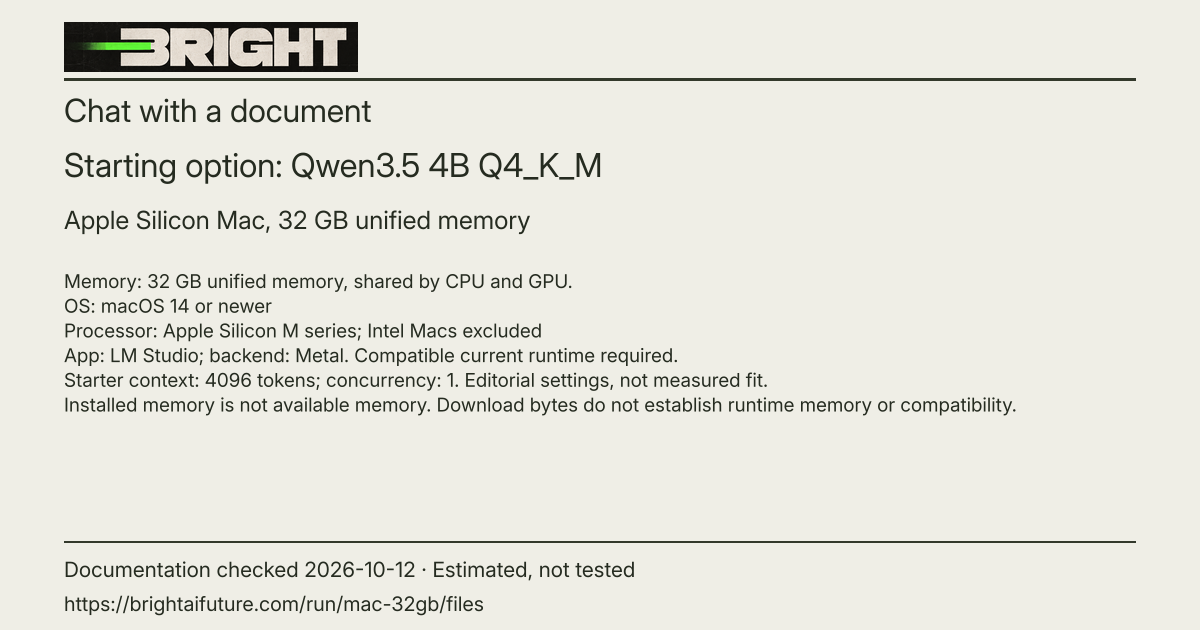
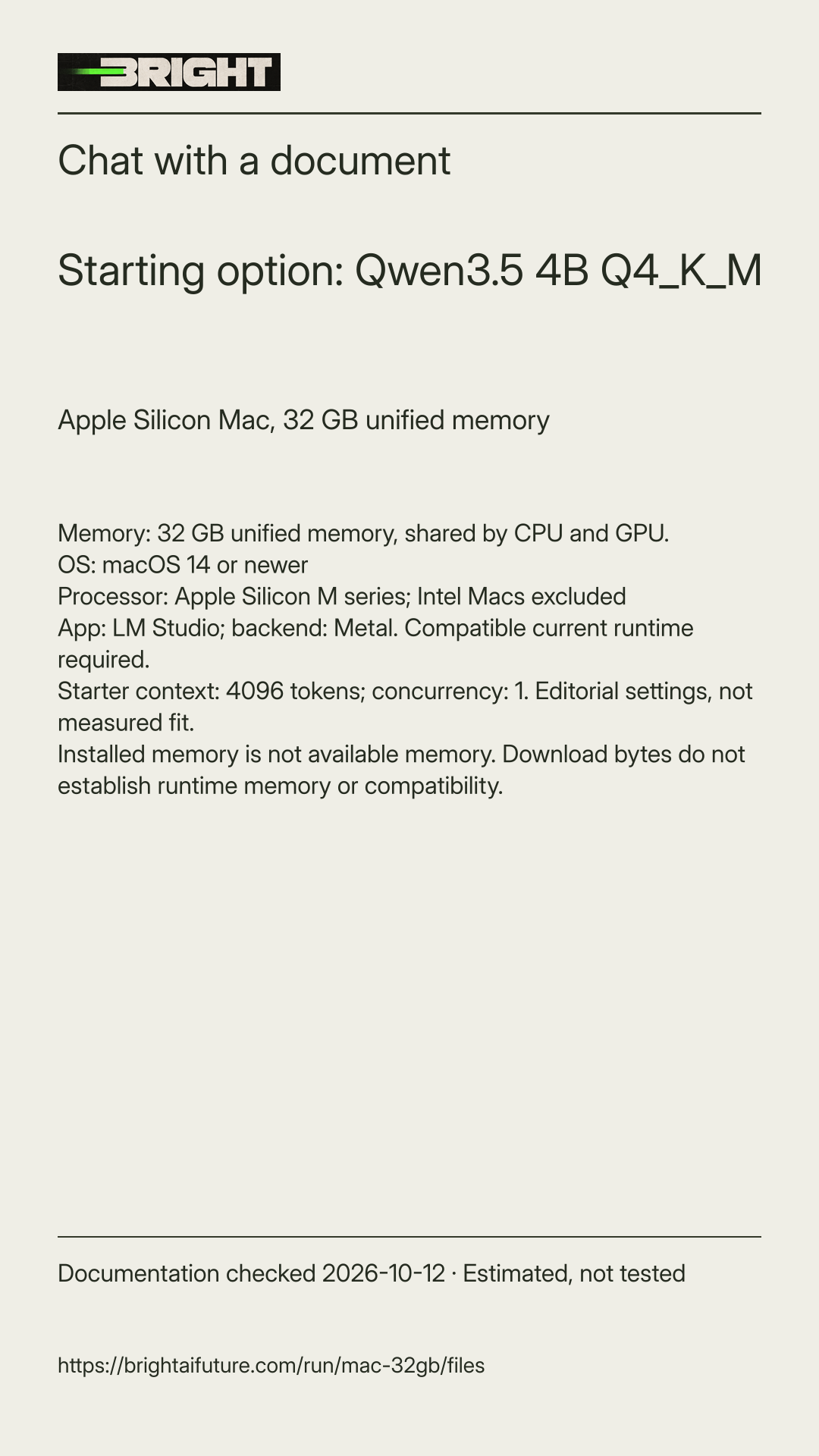
Check your machine conditions
Read the separate OS, processor, backend, system RAM and dedicated VRAM conditions shown in this answer. Installed memory is not available memory. Apple Silicon uses unified memory; never add system RAM and VRAM to establish compatibility.
Install and update LM Studio
Install the current stable desktop app and update its compatible llama.cpp runtime. The source-check example is LM Studio 0.4.26 Build 4; Build 2 documents runtime 2.50.0. These are documented examples, not exact-artifact success guarantees. Use GGUF with the matching Metal or CUDA backend in your conditions; this answer does not provide an MLX path.
Select the exact reviewed files
In Discover, search the exact publisher and repository shown above. Match every selected filename and reviewed revision, including any required projector. Do not choose a similarly named curated package. If the listing cannot establish that revision, use the linked pinned files and documented import route, or stop for verification.
Load one model with a short context
Open Chat and its model loader, then select the downloaded model. Set context to 4096 tokens and use one request at a time. These are Bright editorial starting settings, not maker maxima or measured fit. My Models' settings or the pre-load configuration can set context. Keep the metadata chat template; current GGUF template settings are under Load Parameters > Advanced, but the exact current graphical labels have not been inspected.
Keep Qwen3.5 reasoning settings model-specific
Do not copy Qwen3 /think or /nothink switches. Qwen3.5 documents the enable_thinking chat-template setting. Keep the supplied metadata template and use an app-supported reasoning control only if available and understood. The exact desktop control and behavior are untested.
Attach a short text-based document
Create the fictional picnic-practice.txt below and drag it into a fresh LM Studio chat with the generative model. The documented attachment formats are .txt, .pdf and .docx. Short extracted text can enter context in full; longer documents use retrieval that can miss relevant passages. An embedding-only model is not the chat pick.
Try the fictional task and verify the answer
Use the exercise below. Compare every claimed fact or quotation with the original input. Stop if loading or extraction fails, memory pressure or swap becomes high, the system becomes unresponsive, or output repeats. Shorten input or choose a smaller reviewed option rather than forcing a fit.
Keep the local-only conditions visible
After the model files and runtime are installed, local model and document chat are documented to work offline. Search, downloads and updates use the network. Select the installed local model and avoid remote providers, LM Link, cloud services, external tools and plugins for this path. Their behavior is outside this offline claim.
Estimated and untested
Download bytes do not establish runtime memory or compatibility. Peak memory, speed and exact hardware execution remain untested. Historical application and runtime support examples are not blanket guarantees for these artifacts.
Retrieval has limits
Start with a short text-based document. Scanned PDFs may need separate OCR. Tables, figures, handwriting and full page coverage are unverified. Vision capability does not prove that the attachment extractor reads scanned pages. Verify supporting passages in the actual file; no page-count promise is made.