
Write and summarize: Apple Silicon Mac, 8 GB unified memory
An editorial starting choice with exact setup and explicit evidence limits.
Start here / Editorial starting option
SmolLM3 3B Q4_K_M
Documentation checked 2026-10-12 · Hardware estimated, not tested
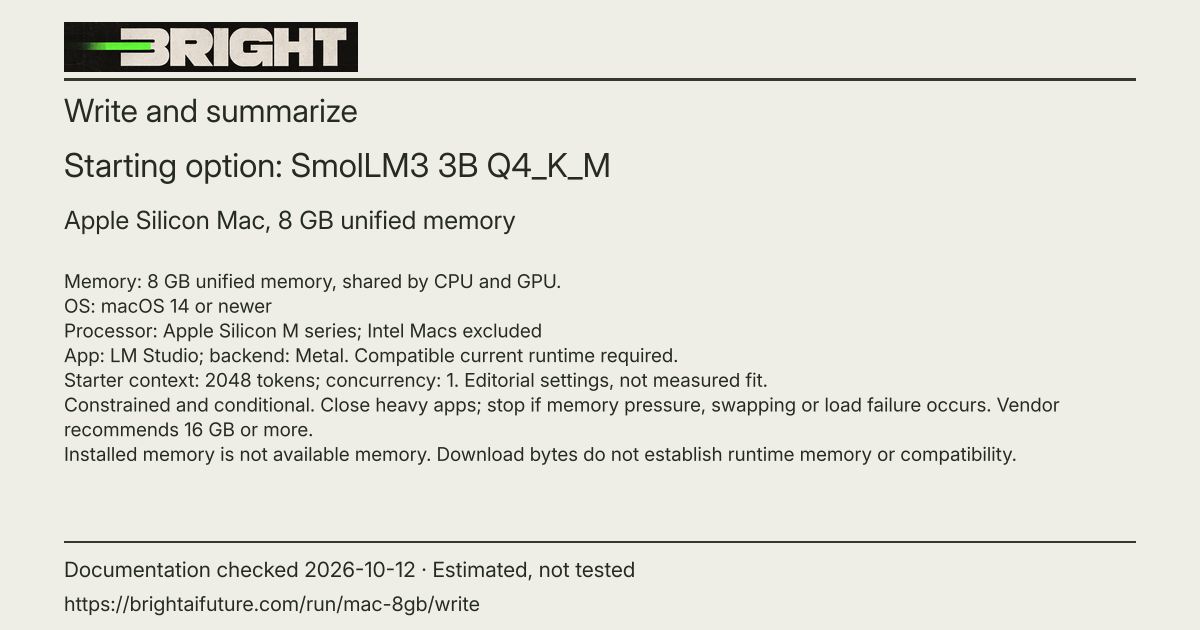
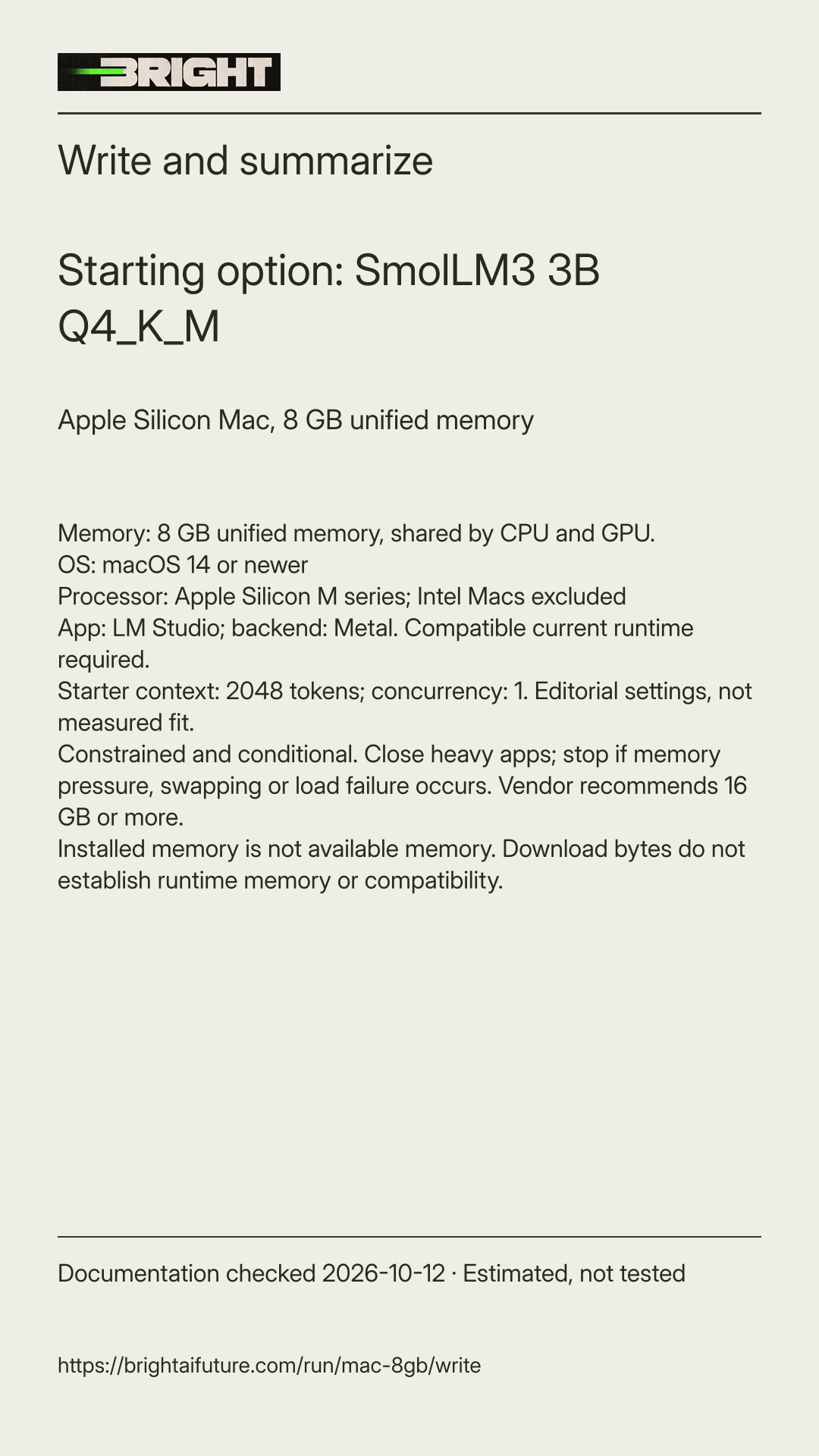
Apple Silicon Mac, 8 GB unified memory. Apple Silicon, macOS 14+, Metal.
Start at 2048 tokens, one chat. Constrained conditional workflow: close other applications, check available memory, and stop on sustained memory pressure or swapping.
ggml-org/SmolLM3-3B-GGUF1.915 GB selected files · Runtime-specific package · Source
Apache-2.0: use under its terms. Maker and license
Download size is not runtime memory or proof of compatibility. Speed and available memory are unknown.
Select text to copy manually
Why this starting choice: SmolLM3 preserves the small text-only guide path for this constrained Mac. The short context and one chat keep the exercise bounded; this is an editorial starting option, not a measured memory guarantee.
Check this setup scope first.
macOS 14 or newer
Apple Silicon M series; Intel Macs excluded
Backend: metal. Starter context: 2048 tokens; one chat at a time. This is an editorial starting setting, not a measured limit.
- This is the reviewed setup scope, not hardware detected from your browser and not a promise that the model loads or performs well.
- Confirm installed and currently available memory separately; use one chat at a time and start with the stated context.
- LM Studio recommends 16 GB or more. This 8 GB option is constrained and conditional: close heavy apps, use 2048 context, and stop if memory pressure, swapping or a failed load occurs.
- Record app and runtime/backend versions. Use current stable compatible runtime; historical version examples are not oldest-supported-version guarantees.
The app and engine versions are documented. Support for these exact file hashes is inferred from documented model support and the later engine, not directly tested. Use current stable LM Studio with a compatible llama.cpp engine. The exact oldest compatible version for this file is not established.
The exact package.
Publisher: ggml-org. Pinned revision: 4965cb60b150737b68a0408c36aeefb65078f894. App and model licenses are separate.
SmolLM3-Q4_K_M.gguf / language model
1,915,305,312 transfer bytes.
SHA-256: 8334b850b7bd46238c16b0c550df2138f0889bf433809008cc17a8b05761863e
Pinned file evidence · Exact artifact downloadOllama and LM Studio packages may contain different quantizations, projectors or draft models. Their byte amounts are not interchangeable.
Set it up.
Check your machine conditions
Read the separate OS, processor, backend, system RAM and dedicated VRAM conditions shown in this answer. Installed memory is not available memory. Apple Silicon uses unified memory; never add system RAM and VRAM to establish compatibility.
Install and update LM Studio
Install the current stable desktop app and update its compatible llama.cpp runtime. The source-check example is LM Studio 0.4.26 Build 4; Build 2 documents runtime 2.50.0. These are documented examples, not exact-artifact success guarantees. Use GGUF with the matching Metal or CUDA backend in your conditions; this answer does not provide an MLX path.
Select the exact reviewed files
In Discover, search the exact publisher and repository shown above. Match every selected filename and reviewed revision, including any required projector. Do not choose a similarly named curated package. If the listing cannot establish that revision, use the linked pinned files and documented import route, or stop for verification.
Load one model with a short context
Open Chat and its model loader, then select the downloaded model. Set context to 2048 tokens and use one request at a time. These are Bright editorial starting settings, not maker maxima or measured fit. My Models' settings or the pre-load configuration can set context. Keep the metadata chat template; current GGUF template settings are under Load Parameters > Advanced, but the exact current graphical labels have not been inspected.
Use the SmolLM3 system setting
For this short exercise, put /no_think in the system prompt, as the SmolLM3 maker documents. Keep its supplied template. Do not apply this flag to other families; its operation in this exact app and file is untested.
Try the fictional task and verify the answer
Use the exercise below. Compare every claimed fact or quotation with the original input. Stop if loading or extraction fails, memory pressure or swap becomes high, the system becomes unresponsive, or output repeats. Shorten input or choose a smaller reviewed option rather than forcing a fit.
Keep the local-only conditions visible
After the model files and runtime are installed, local model and document chat are documented to work offline. Search, downloads and updates use the network. Select the installed local model and avoid remote providers, LM Link, cloud services, external tools and plugins for this path. Their behavior is outside this offline claim.
Estimated and untested
Download bytes do not establish runtime memory or compatibility. Peak memory, speed and exact hardware execution remain untested. Historical application and runtime support examples are not blanket guarantees for these artifacts.
Try this, then check it.
Fictional practice note: The Maple Street club's picnic is Saturday at noon in Riverside Park. Bring your own lunch. If it rains, meet in the community hall. RSVP to the organizer by Thursday. Rewrite this as a friendly invitation of at most 80 words. Then list the four practical facts you preserved. Do not invent an address, contact detail or activity. Compare the day and time, location, rain plan and RSVP deadline with the input. Check the invitation length and remove invented details before using it. Stop or revise the prompt if facts disappear, extra facts appear or output repeats.
No model output is presented as a Bright test result. Stop on failed loading, sustained memory pressure, severe swapping or invented answers; verify the source and settings rather than assuming the file proves compatibility.
Sources and unknowns.
- Apache License 2.0 terms · checked 2026-10-12
- SmolLM3 3B Q4_K_M: maker checkpoint and license · checked 2026-10-12
- SmolLM3 3B Q4_K_M: exact GGUF publisher metadata · checked 2026-10-12
- LM Studio system requirements · checked 2026-10-12
- LM Studio app and runtime documentation · checked 2026-10-12
- LM Studio current app and engine release notes · checked 2026-10-12
- Ollama context length and memory use · checked 2026-10-12
- LM Studio: downloading the selected model · checked 2026-10-12
- LM Studio: importing local GGUF files · checked 2026-10-12
- LM Studio: desktop setup · checked 2026-10-12
- LM Studio per-model settings · checked 2026-10-12
- LM Studio: prompt templates · checked 2026-10-12
- LM Studio offline operation · checked 2026-10-12
- Documentation-checked and estimated. Bright has not loaded these models or tested these computer configurations. Runtime memory, speed and output quality are unknown.
- Download bytes are transfer size, not runtime memory. Available memory differs from installed memory. Context, app/runtime, projector, other applications and load settings affect use.
- System RAM and dedicated VRAM are separate resources. Do not add them or infer compatibility from their sum.
- Exact oldest compatible version of these pinned artifacts is not established. Current version mapping and historical family support are documentary evidence, not a hardware test.
- Discover may select newer files. Compare publisher, filenames and recorded revision before treating a changed package as this reviewed option.
- Start with 2048 tokens for this constrained exercise. This supersedes longer context suggestions for the 8 GB Mac starting option. It is not the model’s maximum context or a tested memory limit.
Runtime memory: not measured. Speed: not measured. No hardware test receipt exists for these documentation-led answers.
Keep this answer and its evidence.
Landscape share image · Vertical share image · This answer as JSON · Method and revision history
Local AI updates in Bright Weekly.
The existing weekly newsletter includes Bright’s editorial updates. It does not provide personalized alerts for this answer.